
Dashboard User Manual NEW
The Samco Trade API Web Dashboard is the recommended self-service portal for managing your Trade API access. Use it to create OAuth apps, generate API credentials, and register static IPs — all protected by OTP.
Dashboard URL
Getting Started
What you need
- A Samco trading account (client code + password)
- Access to your registered mobile number and email for OTP
Logging in
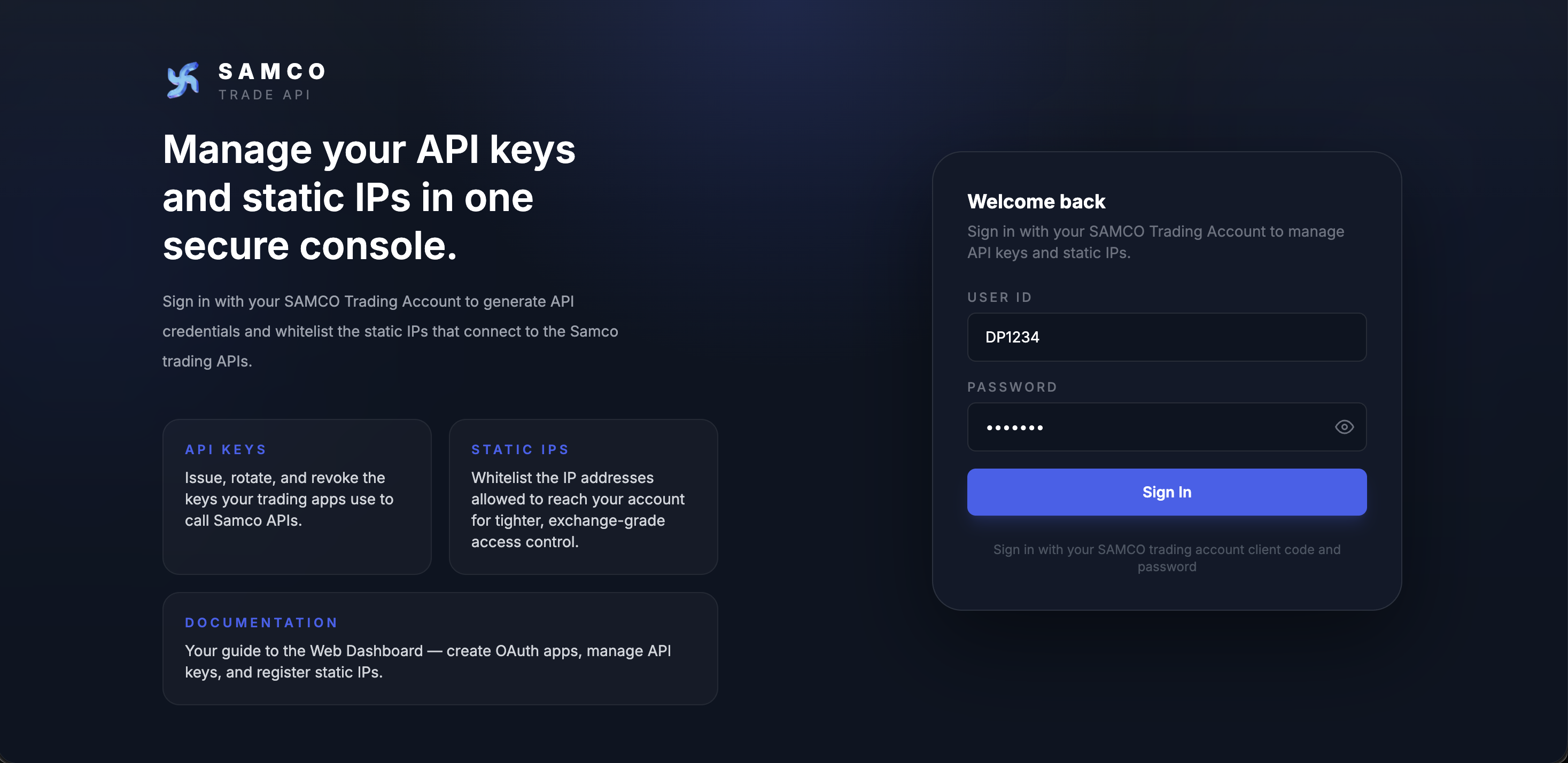
- Open https://tradeapi.samco.in/app/login in your browser.
- Enter your Samco User ID (e.g.
AB1234) and password. - Click Sign In.
- You will land on the API Keys page.
After a successful sign-in you arrive on the API Keys landing page:
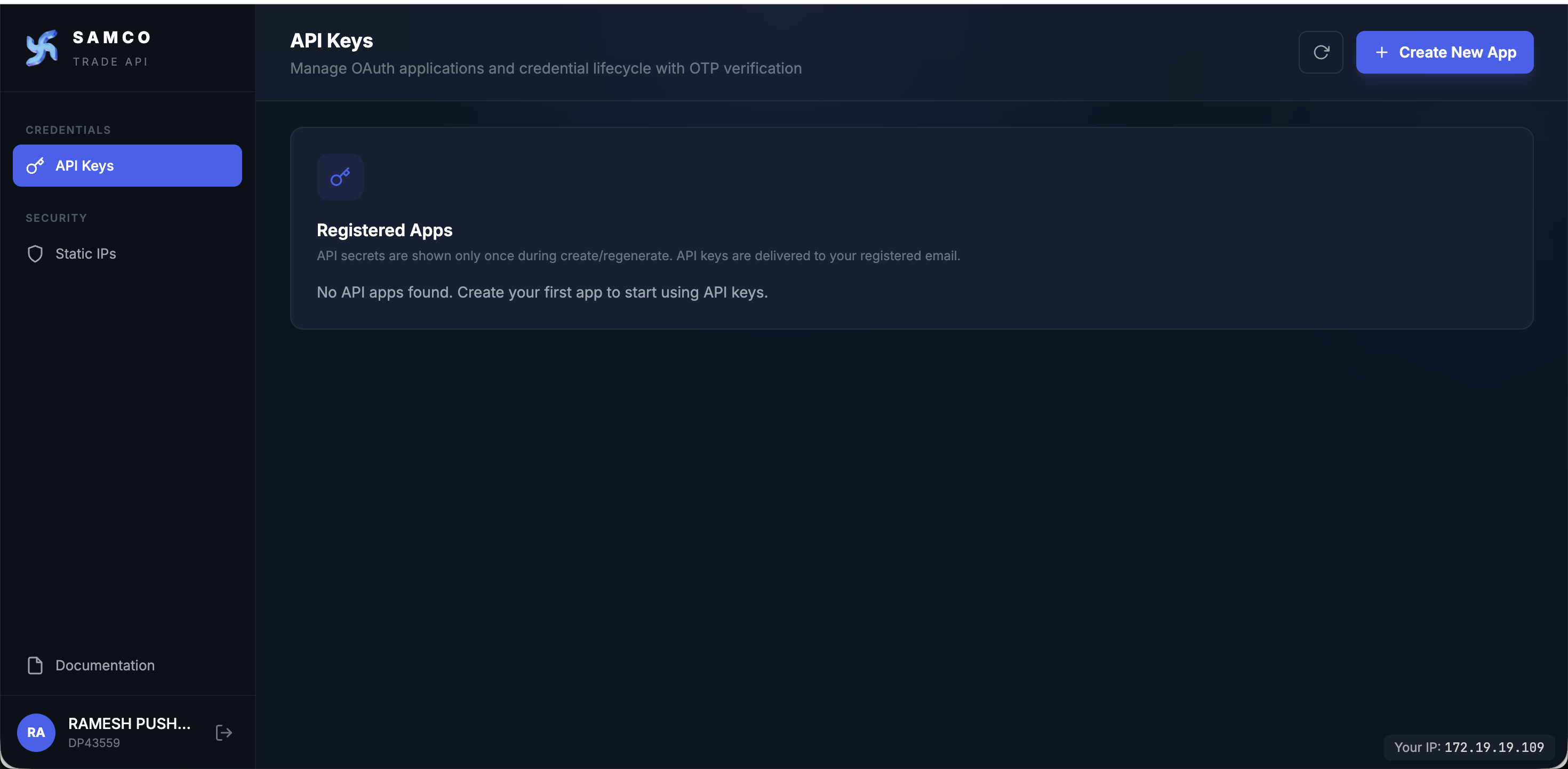
Once you are signed in, the two main sections of the dashboard are covered in separate pages:
- API Keys — create OAuth apps, view credentials, regenerate them, and deactivate apps you no longer need (deactivation revokes all active sessions; you can reactivate later).
- Static IPs — register and manage the IP addresses allowed to call the order related apis.
Signing Out
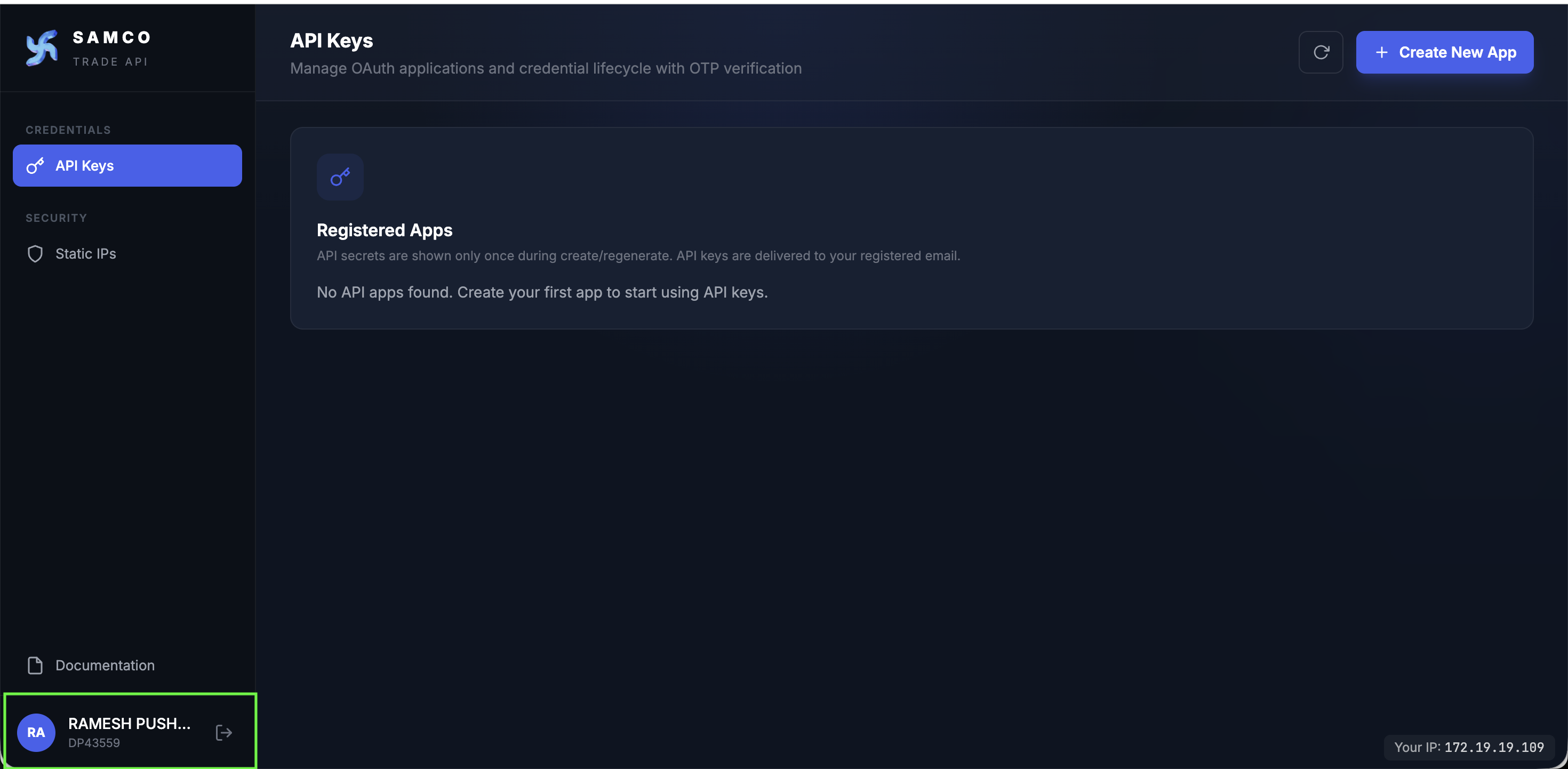
Click your account name in the bottom-left corner of the sidebar and click the Logout button (exit icon). You will be redirected to the login page.
Troubleshooting
OTP not received
- Check your registered mobile number and email inbox (including spam/junk folder).
- OTPs expire after a few minutes — request a new one if needed.
- Contact apisupport@samco.in if issues persist.
Login fails with "Invalid credentials"
- Double-check your User ID (e.g.
AB1234) and password. - The same credentials work on SAMCO Mobile App, SAMCO Web, and Stockbasket.
- Use the SAMCO account password reset flow if you've forgotten your password.
IP rejected after registration
- Verify the IP is a public IPv4 address (not a private range like
192.168.x.xor10.x.x.x). - Confirm the IP is not already registered to another client.
- Check that the 7-day IP-change cooldown has not been hit. Per SEBI A.6, you can change your IP once every 7 days from your last change, across all your apps, including deactivated ones — deleting and recreating an app does not reset this. Reusing an IP that is already registered to another of your apps does not count against the cooldown.
API calls failing with 403 — The IP is not the registered static IP
- This means the source IP our server saw is not one of your registered
PRIMARY/SECONDARYIPs. - Check the Your IP value in the dashboard footer — this is the IP our server sees you from right now.
- From a backend host, call
GET /ip/whoamiusing the host's session token. Ifmatches: false, the response'ssrcIpis the value that needs to match a registered IP — update via the Static IPs page (subject to the 7-day cooldown). - Common causes: corporate proxy / VPN changed your source IP, the call came from a different backend pod than the one you registered, or your ISP rotated your dynamic IP.
API Key / Secret not working
- Confirm the app is in Active status.
- Regenerating Key or Secret invalidates all prior credentials — make sure your integration is using the latest values.
Support
| Channel | Details |
|---|---|
| Ticket | samco.in/support/ticket |
| Forum | forum.samco.in/tag/trade_api |
| apisupport@samco.in |